Overview
SLS defines a simple, efficient, and fully featured camera mode system that is implemented using components.
Components
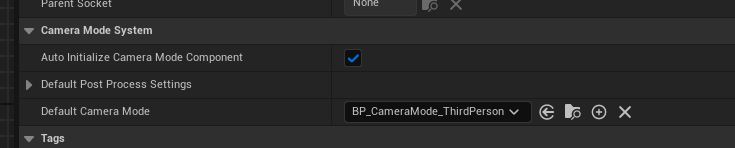
The basic properties include the default post-processing settings and the default camera mode class settings.
After the camera is initialized, the camera component's post-processing settings will be changed to these default post-processing settings.
After the camera is initialized, it will automatically enter the Default Camera Mode state.
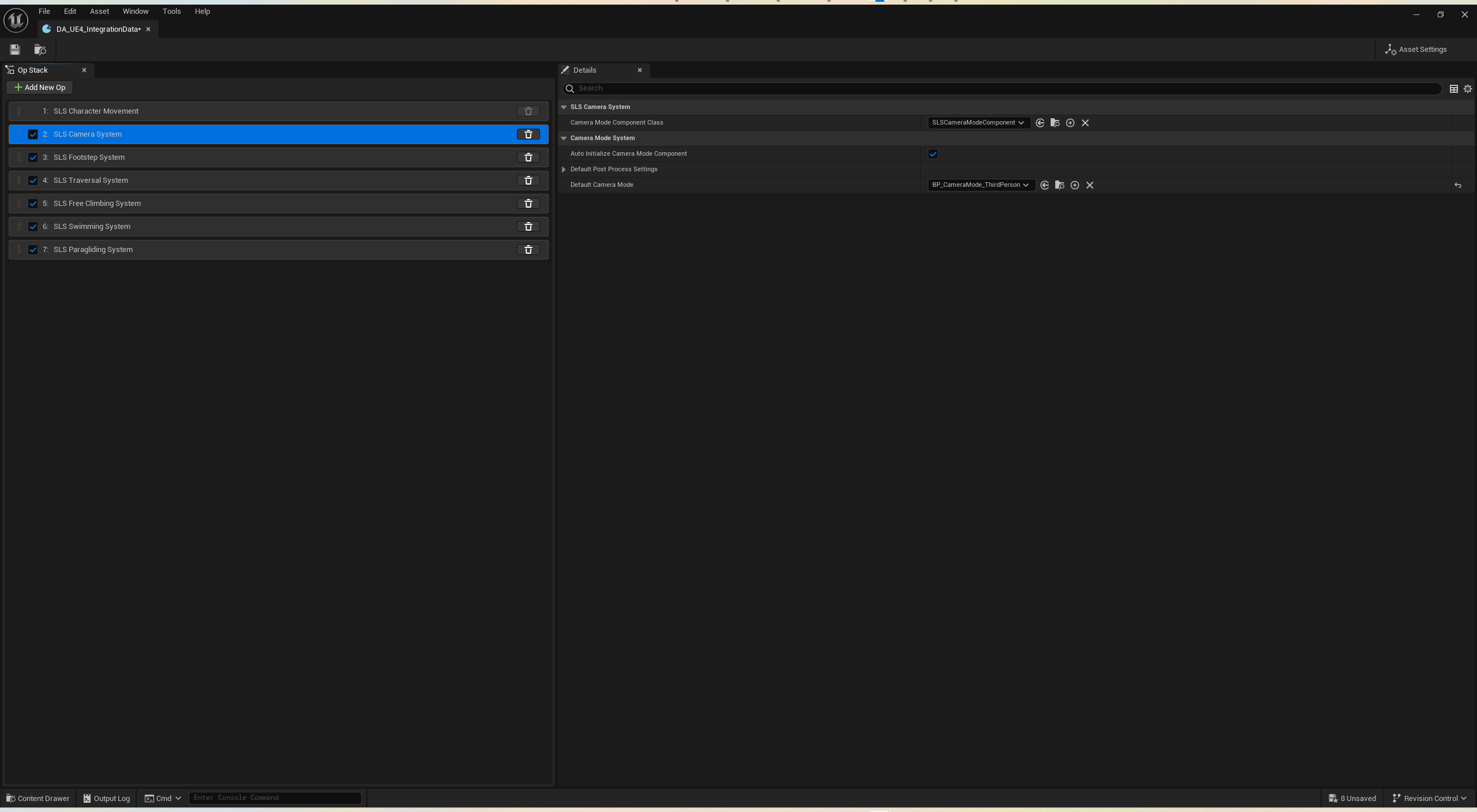
Important: If you use the integrated component, you need to configure it in the integrated data asset!
Features
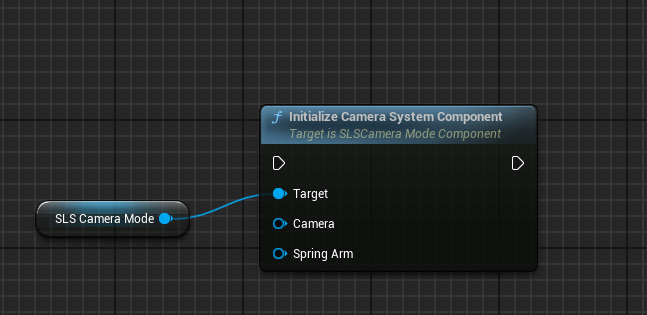
Initialize camera mode
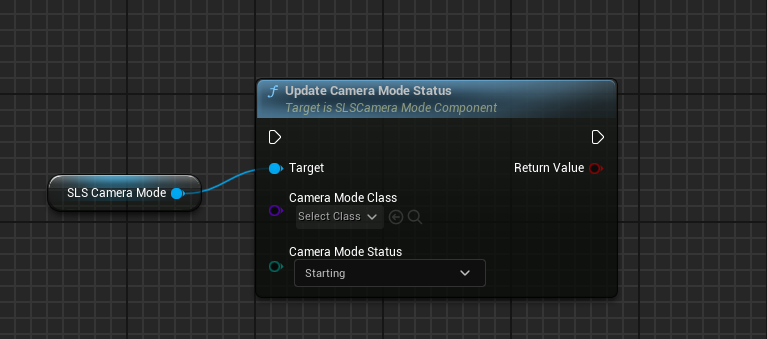
Update camera mode
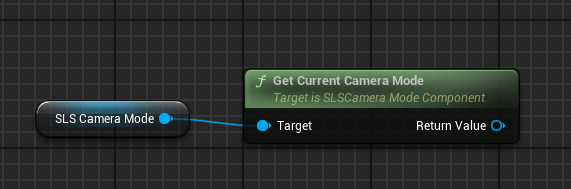
Get current camera mode
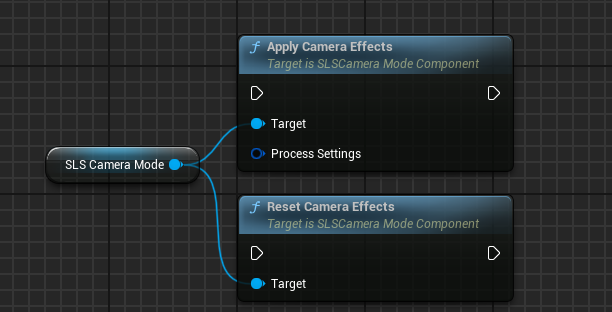
Apply and reset camera post-processing effects
Custom Camera Mode
To create a camera mode asset, right-click in the Content Browser and select SLS/SLS Camera Mode/Default Camera Mode to create it.
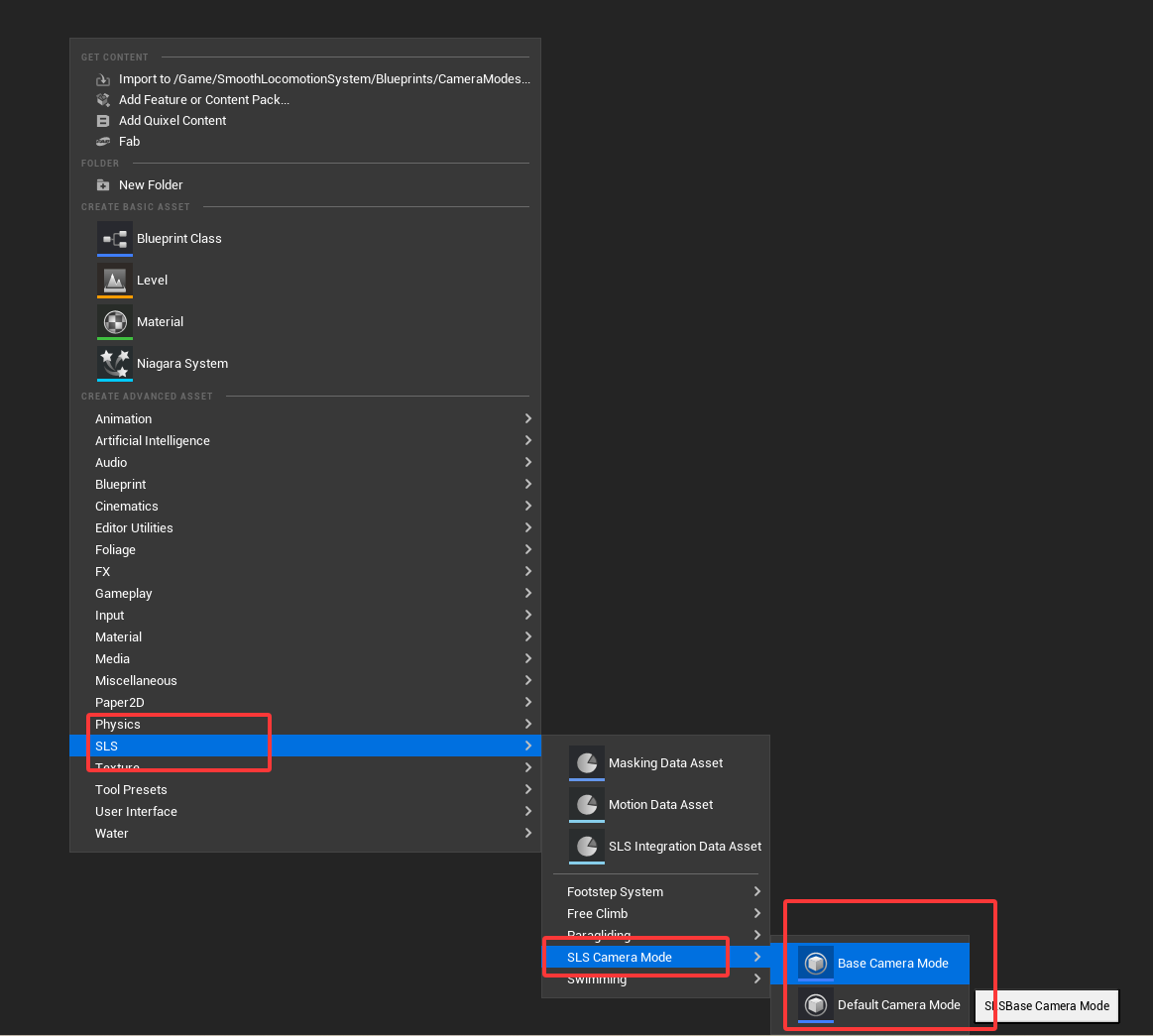
Base Camera Mode: The base parent class for camera modes, with an empty implementation.
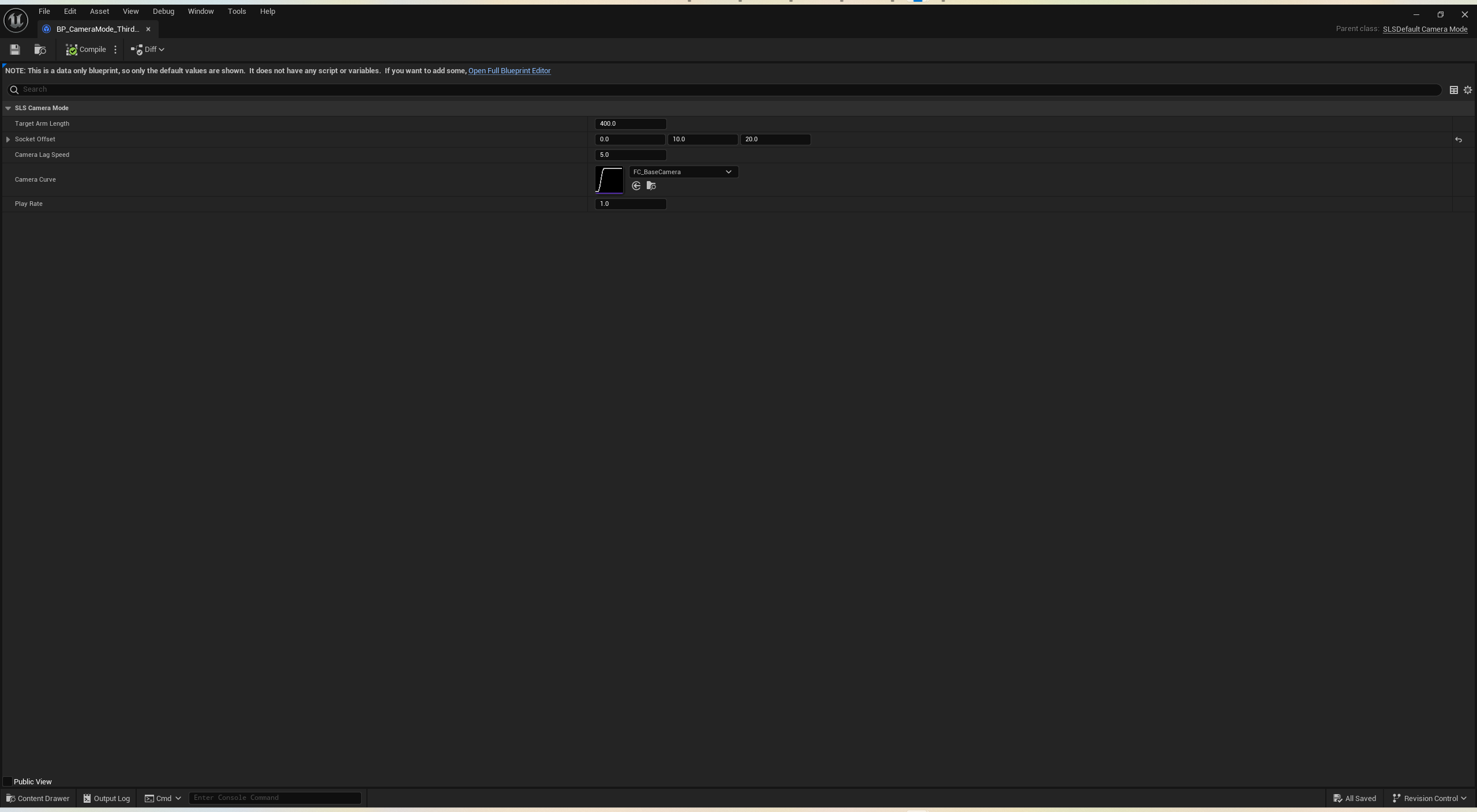
Default Camera Mode: A subclass of Base Camera Mode that implements basic camera smooth transition functionality; you only need to make simple modifications.
Comments
Share your thoughts and discuss with everyone