Video Tutorial: SGKV2 Fab Link:
Create a new SGKV2 project, then enable the Smooth Locomotion System (SLS) plugin in the project, and then restart the project.

Copy all files under the Content directory in the SLS sample project to the SGKV2 project.
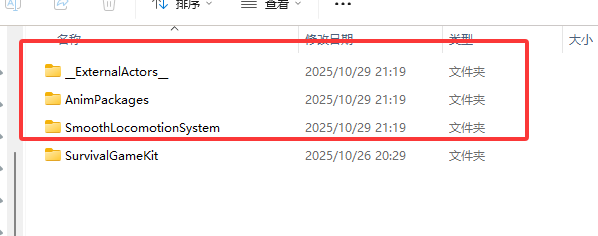
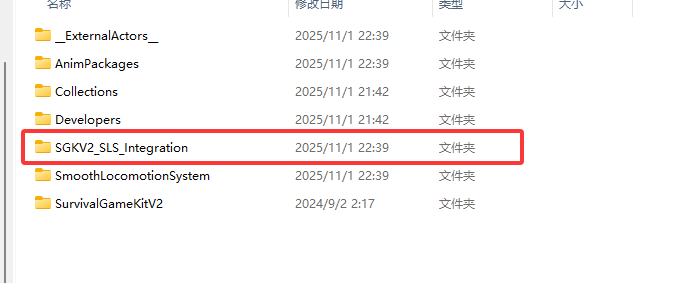
Copy all files under the SGKV2_SLS_Integration (5.4+) directory in the SLS sample project link to the SGKV2 project.
Also copy SurvivalGameKitV2 into the SGKV2 project and overwrite the existing content (a small portion of the content was changed for the integration).

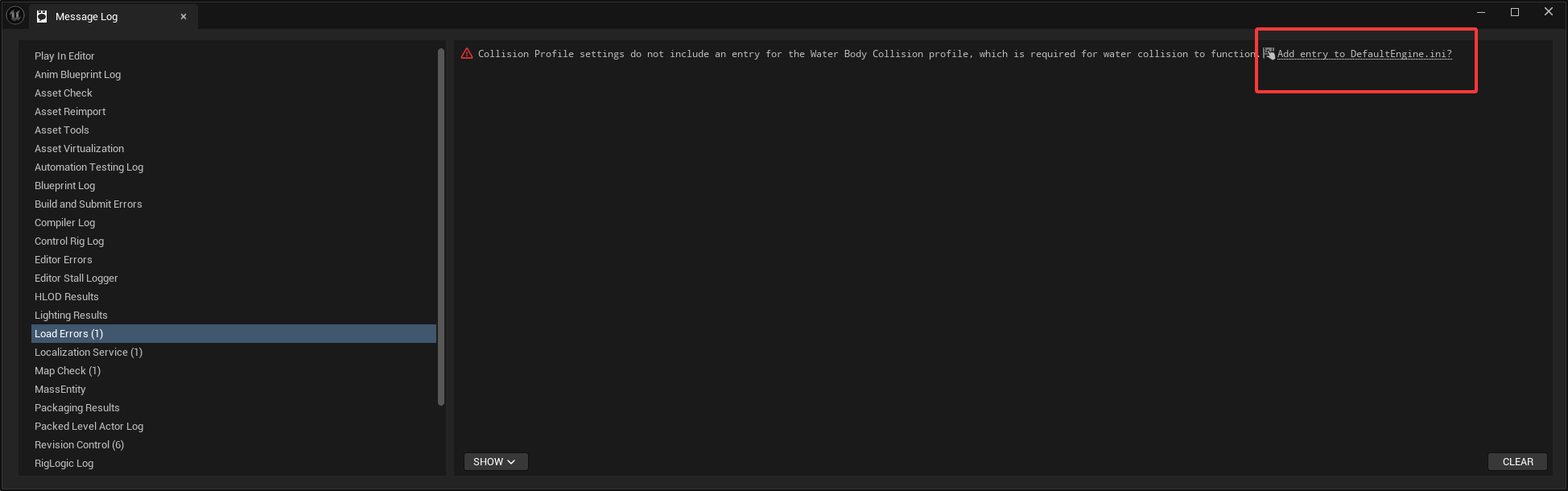
After reopening the project, you will receive the following prompt. This is because SLS enables the Water plugin by default; you only need to click the Add entry to DefaultEngine.ini button that follows:
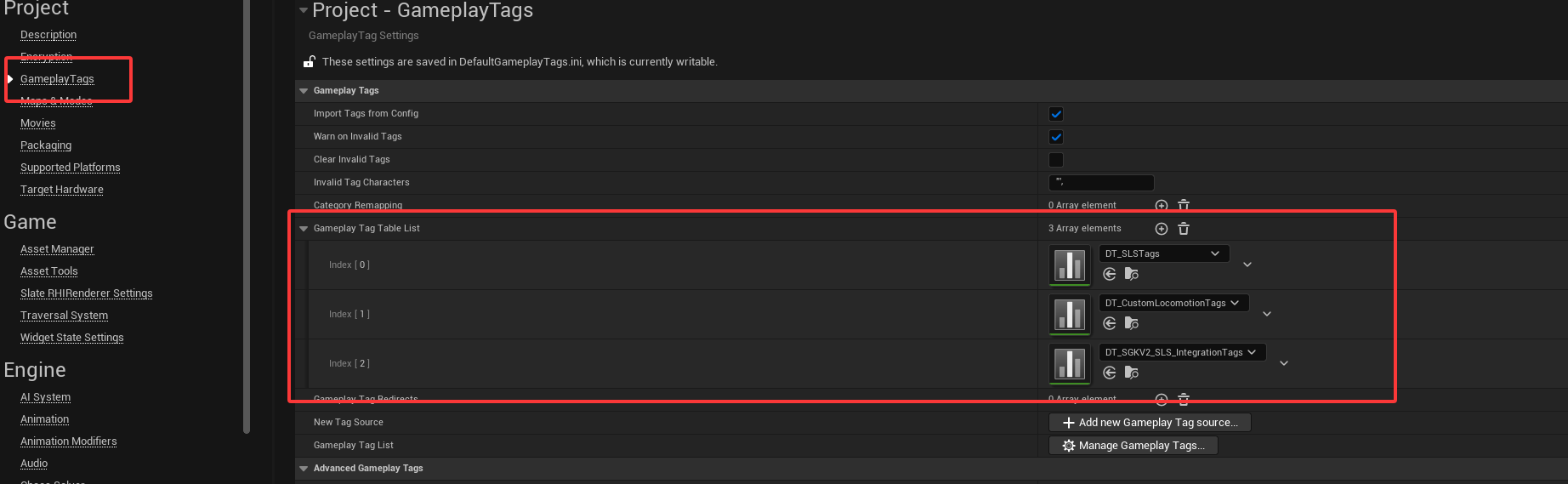
In Project Settings, add the required GameplayTags Data Tables: DT_SLSTags, DT_CustomLocomotionTags, and DT_SGKV2_SLS_IntegrationTags to the Gameplay Tag Table List.
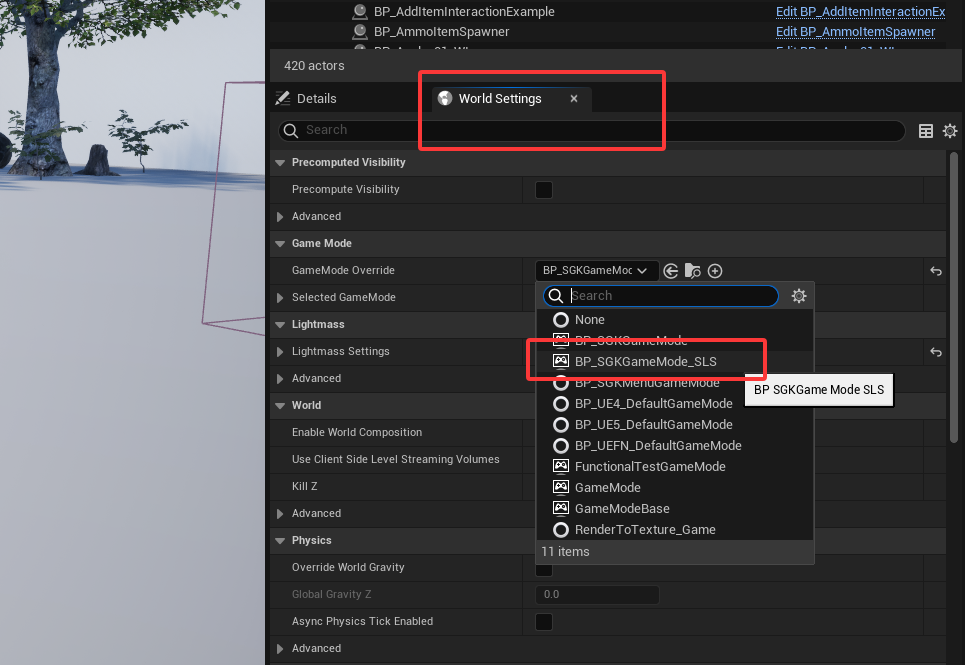
In the sample level, change the game mode to BP_SGKGameMode_SLS.
This completes all the integration steps!
Comments
Share your thoughts and discuss with everyone