1. Why does this footstep system exist? Why use it?
Answer: For UE's original solution, it is generally in the form of Anim Notify, which requires editing all character movement animations (adding Anim Notify). This brings a lot of work, and you also need to code and execute content such as footstep sounds and footstep effects. With this plugin, you only need to focus on what footstep sounds and footstep effects you want to play; there is no longer a need for tedious Anim Notify additions! This is because the plugin automatically detects the ground at runtime and handles the generation of footstep sound effects and various particle effects (NiagaraSystem and ParticleSystem).
2. Does this footstep system support making noise and reporting to AI?
Yes, the system handles this feature internally.
In the sound configuration file, there will be a bool variable to indicate whether this feature is enabled (enabled by default, added in version 2.0).
If the Mesh's Owner is a character class and the character is not crouching, a report will always be sent when the sound is played!
If the Mesh's Owner is not a character class, a report will always be sent when the sound is played!
3. Does this footstep system support 4 legs?
Yes, not just four legs; you can configure any number of foot sockets.
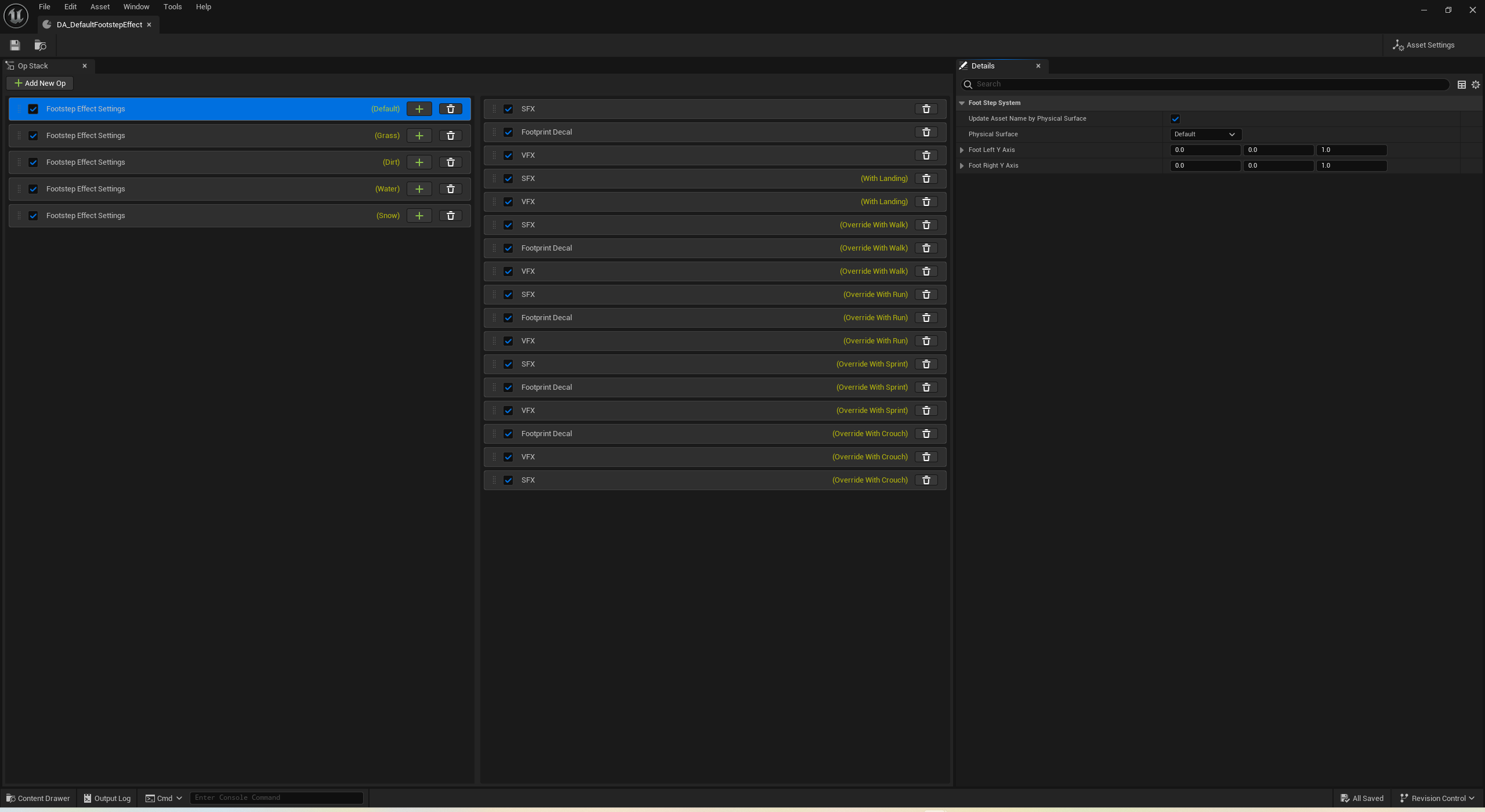
4. AutoFootstepSystem Configuration Interface
Comments
Share your thoughts and discuss with everyone