This is a C++ component implemented based on EventSystem, so it has no dependency on the interaction system component. This is only an optional approach; you can choose not to use it and instead use the approach introduced in . It creates three input types and three response types, which will be introduced one by one in this article.
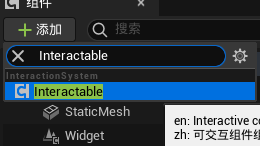
1. Configurable Parameters
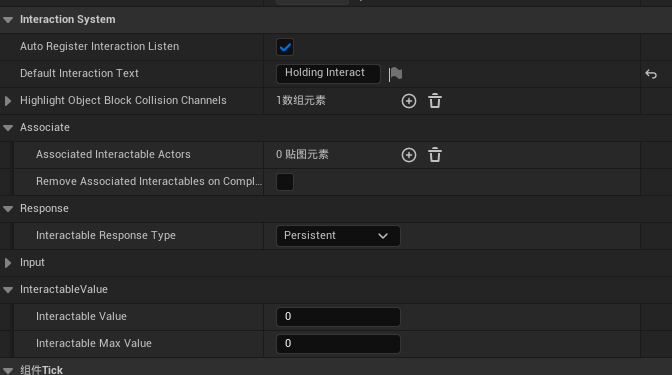
Auto Register Interaction Listen: Defaults to true. This binds within the component and listens for events, so you do not need to register and listen for events as shown in ; instead, use the component's Delegate to complete interactions.
Default Interaction Text: This is the text for the interaction prompt. You can enter the interaction prompt text you want here.
Highlight Object Block Collision Channels: These are the PrimitiveComponent objects that need to be highlighted, and their blocking collision channel needs to be enabled. WorldDynamic is configured by default here because the interaction component detects interactable targets based on this channel by default.
Associate: This section mainly configures associated objects.
Associated Interactable Actors: This is an Actor - int32 key-value Map. When all Actors in this Map reach the int32 value, the start interaction event of this interactable object is triggered; after interaction has occurred and the preceding condition is no longer met, the end interaction event of this interactable object is triggered.
Remove Associated Interactables On Completed: This determines whether to remove the interactability of all associated interaction objects when the condition described in the previous parameter is met.
Interactable Response Type: The interaction response type of this object. The system provides three response types:
Persistent: This object will keep responding to interaction events unless the object is destroyed or its interactability is removed.
OnlyOne: The character can interact with this target only once, after which the object's interactability is removed. The object's interaction cannot be enabled again by reinitializing.
Temporary: Same response behavior as OnlyOne, responding only once, but the object can be reinitialized via ReInitialize.
InteractableValue: Interaction value settings.
InteractableValue: Each time an interaction is triggered, it increases by 1. Its maximum value is InteractableMaxValue; when it is at the maximum value, adding 1 resets it to 0.
InteractableMaxValue: Used to limit the maximum value of InteractableValue.
Input: Settings related to player input
Single: The start interaction event is triggered as soon as the interaction key is pressed.
Holding: The start interaction event is triggered only after holding the interaction key continuously for a period of time; otherwise nothing happens.
MultipleOrMashing: The start interaction event is triggered only after pressing the interaction key multiple times in succession; otherwise nothing happens.



2. Interaction Delegate Events
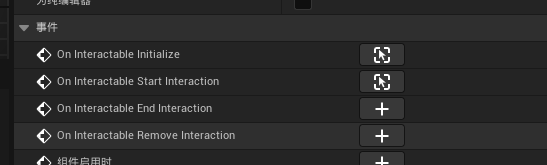
1. On Interactable Initialize
The delegate for initializing interaction. It is similar to BeginPlay, except that it is executed one frame after BeginPlay. (This is an event that is triggered on all objects.)
2. On Interactable Start Interaction
The delegate for when interaction starts. It is triggered when the player successfully triggers this object's interaction event through input. (This is an event executed on all clients, including the server.)
3. On Interactable End Interaction
The delegate for when interaction ends. It is triggered when the player releases the key or when the conditions of other associated objects are no longer met. (This is an event executed on all clients, including the server.)
4. On Interactable Remove Interaction
Triggered when this object's interaction is removed. (This is an event executed on all clients, including the server.)
3. Executable Functions
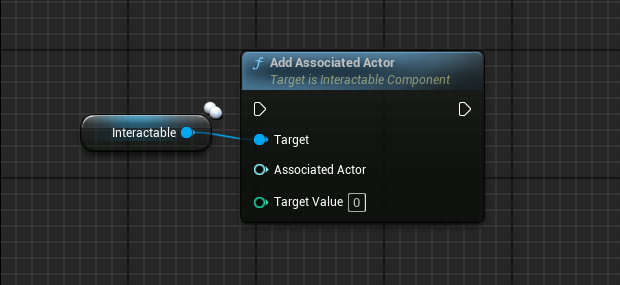
1. AddAssociatedActor
Used to dynamically add associated interactable objects.
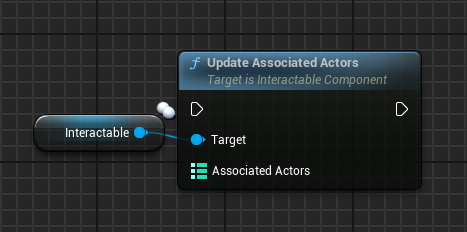
2. UpdateAssociatedActor
Used to dynamically replace the Map of all associated interactable objects.
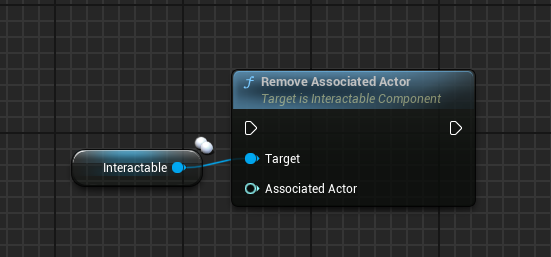
3. RemoveAssociatedActor
Used to dynamically remove an associated interactable object.
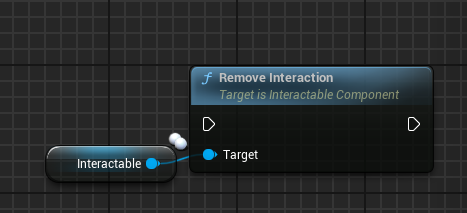
4. RemoveInteraction
Removes this object's interactability.
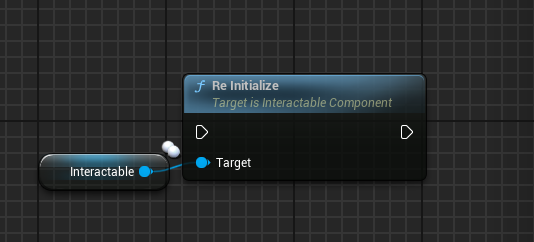
5. ReInitialize
Reinitializes this object's interactability, typically used in conjunction with RemoveInteraction or the Temporary response type.
Comments
Share your thoughts and discuss with everyone