All main interface UIs in the project are managed uniformly. You can refer to Edit→Project Settings→Game→Advanced UI System
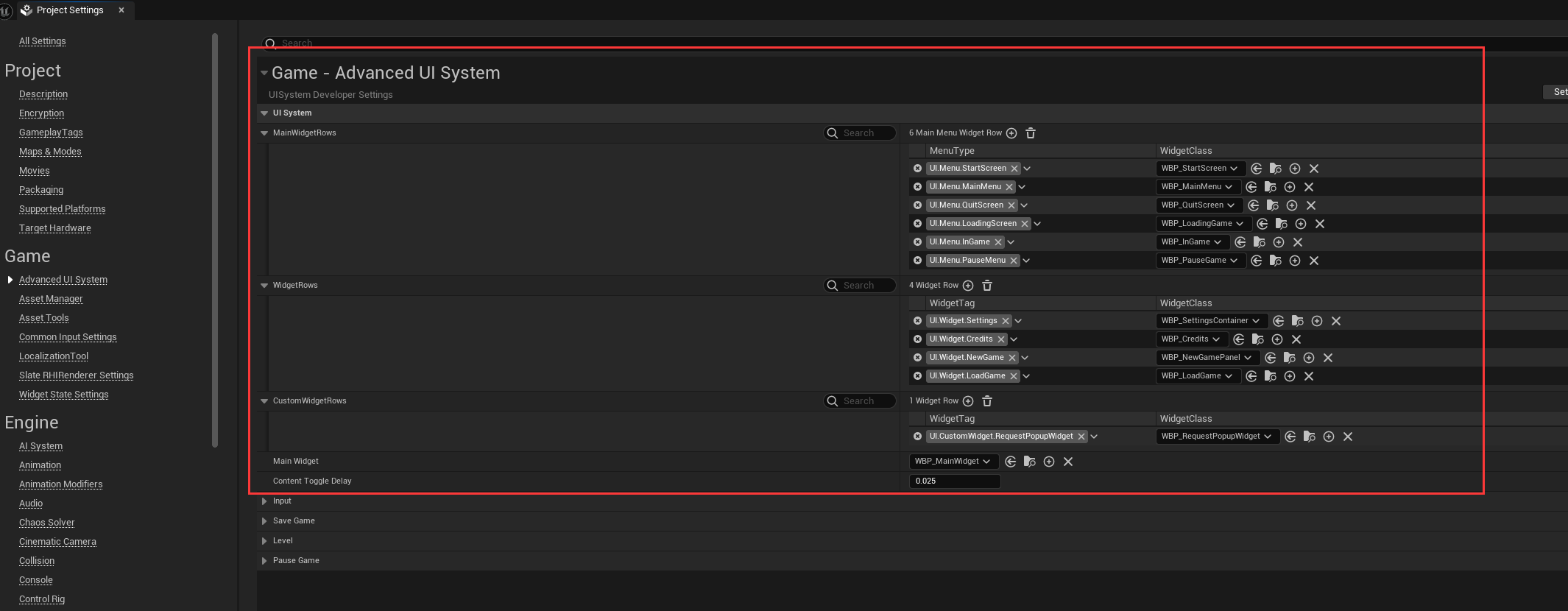
The system provides three types of interfaces
MainWidgetRows: This is the main interface, game interface, menu interface, etc., which cannot be rolled back. This will switch pages
WidgetRows: This is an interface with rollback actions, such as the settings menu, loading game panel, etc. These are popped up from a button on the main interface or other interfaces, and they can roll back to the main interface or other interfaces. This will switch pages
CustomWidgetRows: This is a custom interface, which may represent a custom interface with pop-ups (inquiry pop-ups, confirmation pop-ups, etc.) and other content. It will not switch pages (i.e. exit the current interface and open a new interface)
The menu system is a good example of these three types. The parameter ContentToggleDelay is used as the calculation basis for the overloadable function ToggleWidgetVisiable of .
Utility functions:
At the same time, the system provides them with an interface API.
1. DisplayMenuWidget
Used to display the MainWidgetRows configuration interface. The system will hide the previous interface by default.
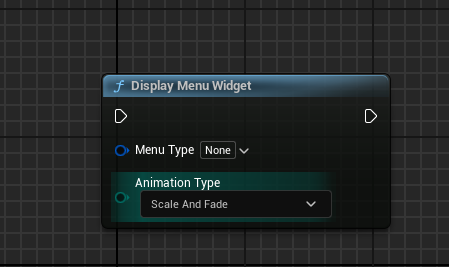
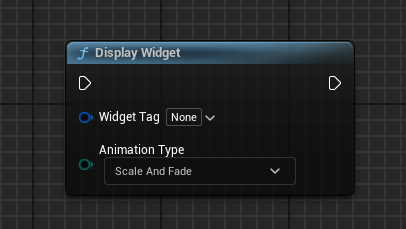
2. DisplayWidget
The interface used to display WidgetRows configuration. The system will hide the previous interface by default, but you can return to the previous interface.
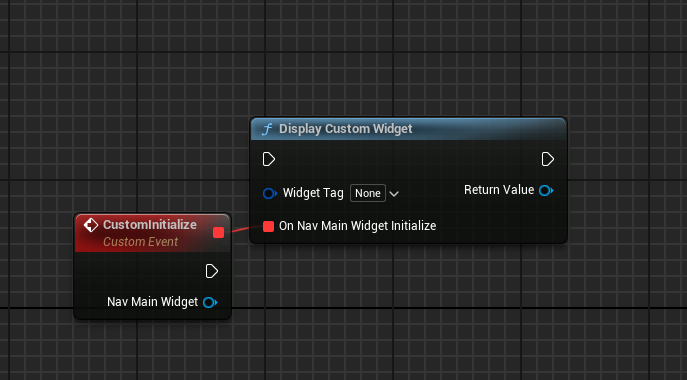
3. DisplayCustomWidget
It is used to display the interface configured by CustomWidgetRows, and has a callback for data initialization before OnPanelLoad. The system will set it as the top layer, but will not hide the previous interface. After calling the HideCustomWidget event, it will hide itself.
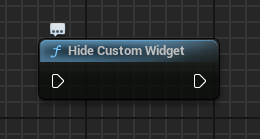
3.1 HideCustomWidget
For the interface displayed by DisplayCustomWidget, you need to manually call HideCustomWidget to perform the hiding operation, which will call the OnPanelUnLoaded event.
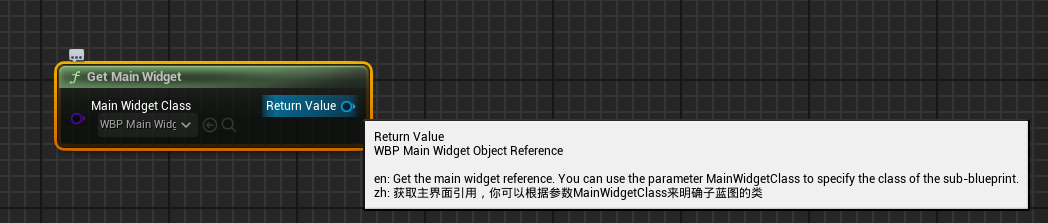
4. GetMainWidget
A common interface for obtaining a MainWidget reference. A parameter MainWidgetClass is used to dynamically specify the parameter type of the blueprint class. Otherwise, the C++ class of MainWidget is returned by default.
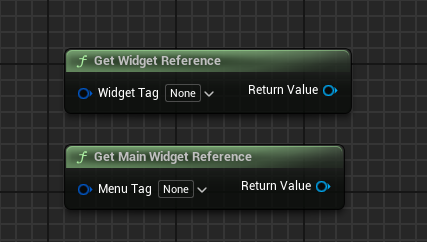
5. GetWidgetReference And GetMainWidgetReference
They are used to obtain the interface instances created by the WidgetRows and MainWidgetRows configurations respectively.
Comments
Share your thoughts and discuss with everyone